Start from a logbook that already has its shape.
A course you are about to take has sessions, topics and questions worth asking. Open a starter logbook for a popular open course, textbook or exam, or a template a classmate shared, and you start with that shape instead of a blank page. Your own notes stay yours.
How it works
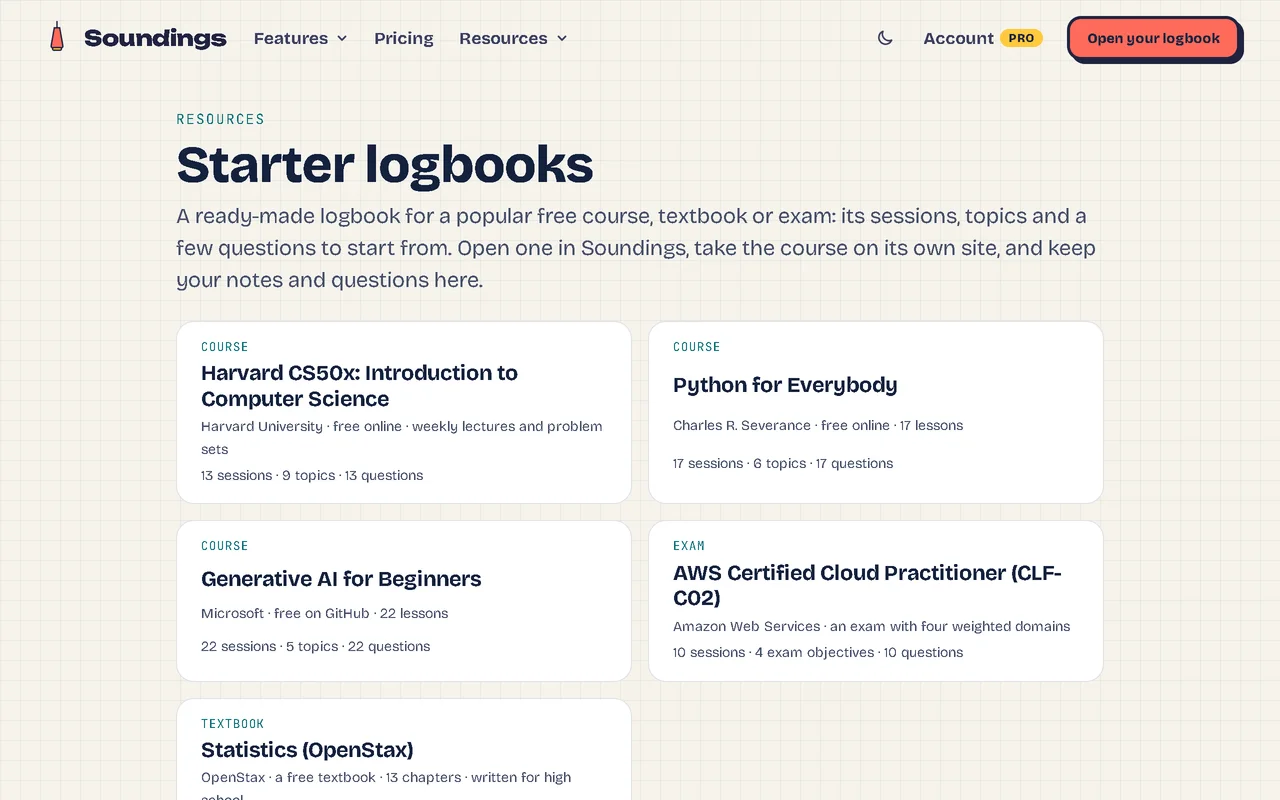
1. Pick a starter logbook.
For a popular open course, textbook or exam: its sessions, a few topics and a question to start each session with.
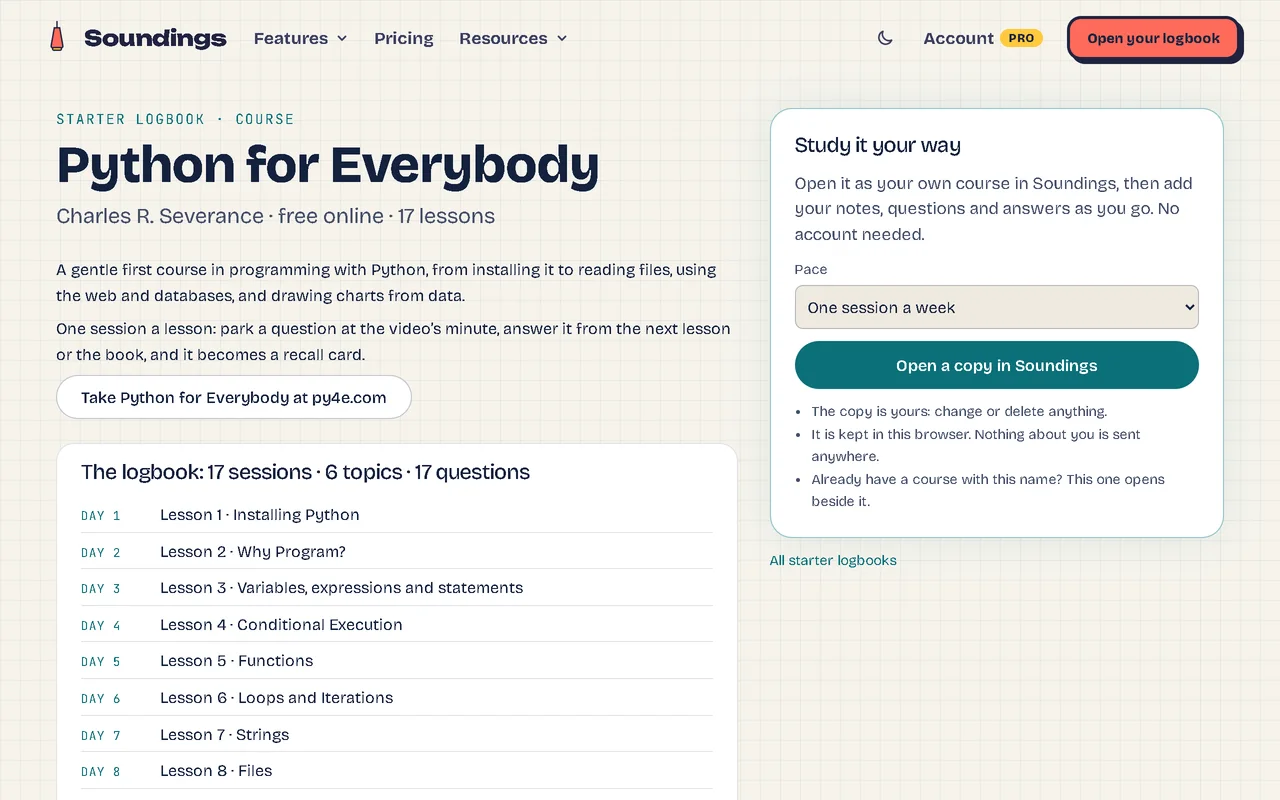
2. Open a copy at your pace.
One session a week, one a day, or all today; take the course on its own site and keep your notes here.
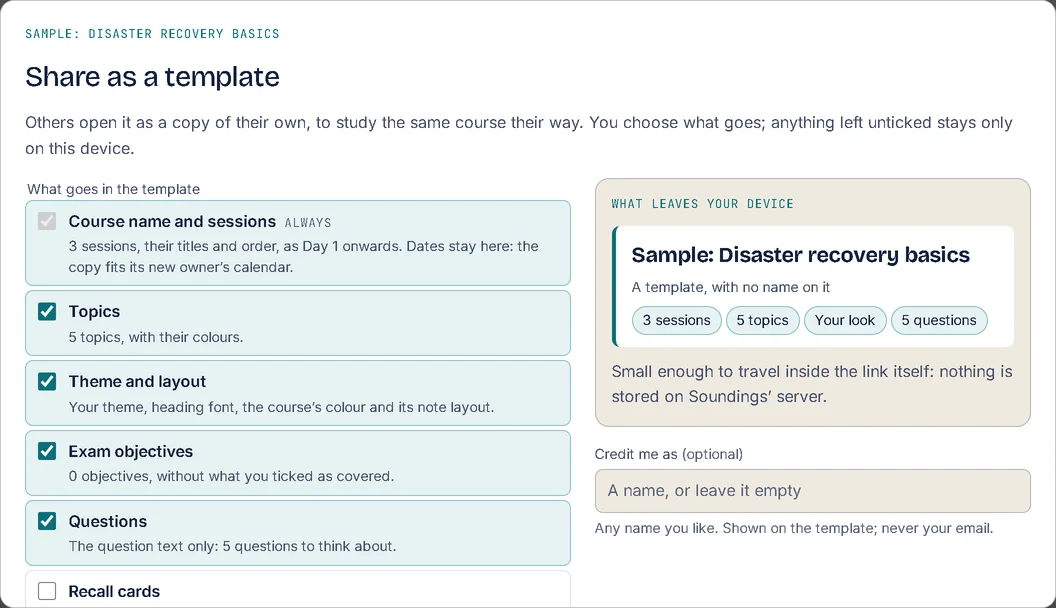
3. Share a course as a template.
Tick what goes, and see exactly what leaves your device; your dates and anything you don’t tick stay with you.
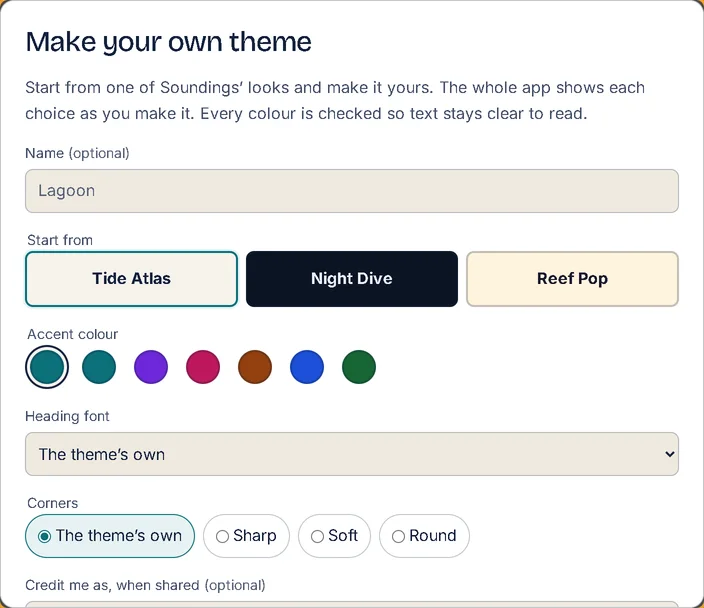
4. Make the look your own.
Choose an accent colour and corners, and share your theme as a link.
Good to know
- Opening a template or a starter logbook needs no account.
- The community gallery: templates and themes learners shared, each looked at before it goes up, credited to the name its maker chose, with one featured each month.
- Twenty starter logbooks, from CS50, MIT and Python for Everybody to AWS, Azure, PMP, Security+, AP exams and JLPT N5.
More of what Soundings does
- Capture at the moment: Every note knows where it came from.
- Questions and answers: Park the question. Keep watching. Never lose it.
- Review that comes back: What you answered once, you’ll remember for good.
- Organise and find: Every note in its place, and found in seconds.
- Maps and diagrams: See the shape of what you wrote.
- Stay on course: Study at your own pace, and see it add up.
- Your logbook everywhere: One logbook, every device. Locked before it leaves.
- AI on your own key: AI that helps you think, not think for you.
- Record and transcribe: Hear the moment you wrote it.
- Classes: Ask your trainer. Keep the answer.