Every note knows where it came from.
Write while you watch a video, read a PDF or sit in a live class. Each note, question and answer is anchored to its moment: 12:41 in the lecture, page 7 of the handbook, 23 minutes into the class. Open it later and you’re back at that exact place.
How it works
1. Open what you’re studying beside your notes.
A video file, a YouTube or Vimeo link, a PDF, a Word or PowerPoint file, a code file or a web page.
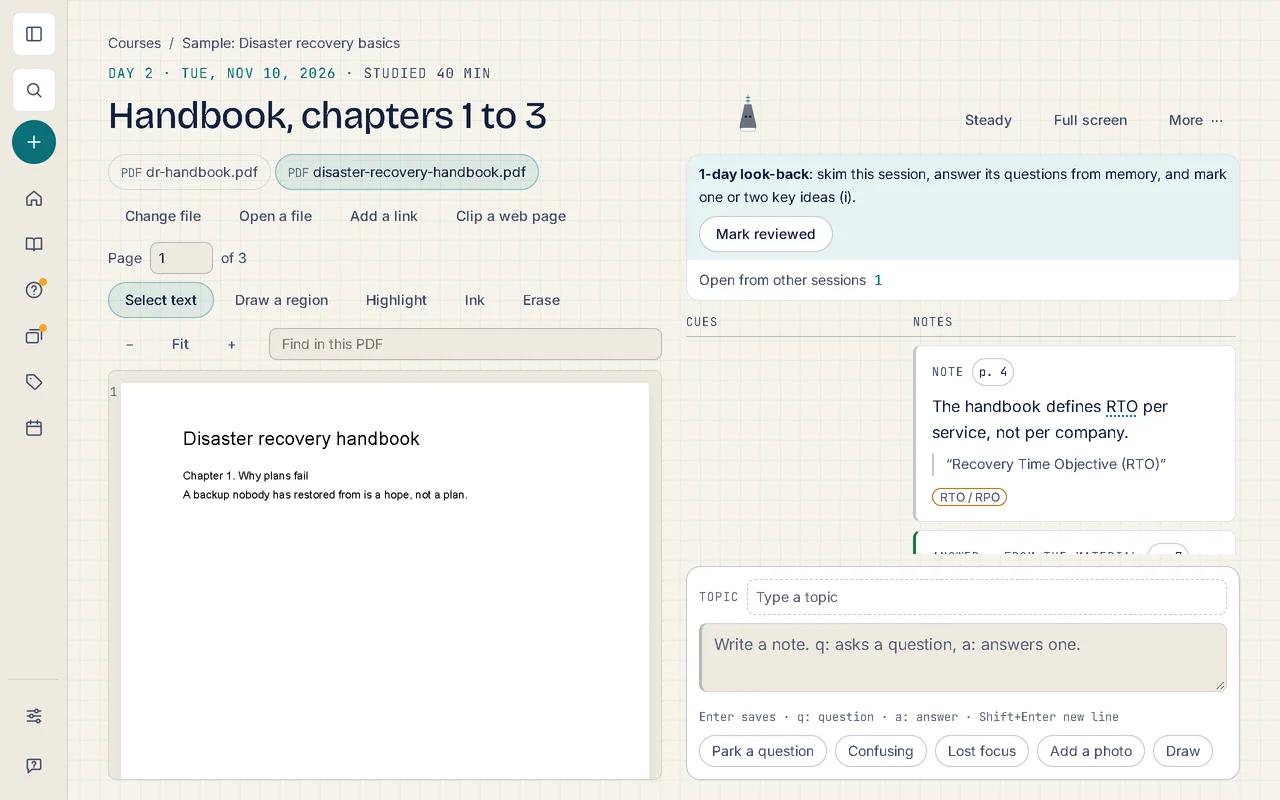
2. Type as it plays.
Enter saves a note at the current moment; start with q: for a question, a: for an answer.
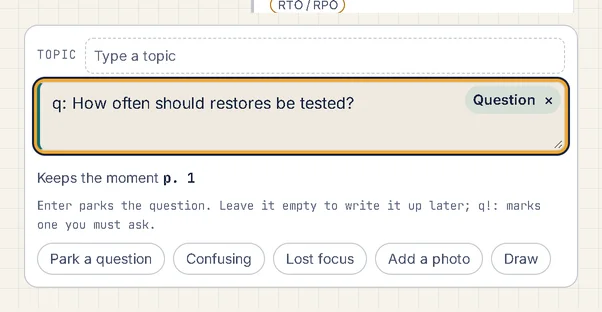
3. Mark a passage.
Select words in a PDF or a caption and they’re kept with your note.
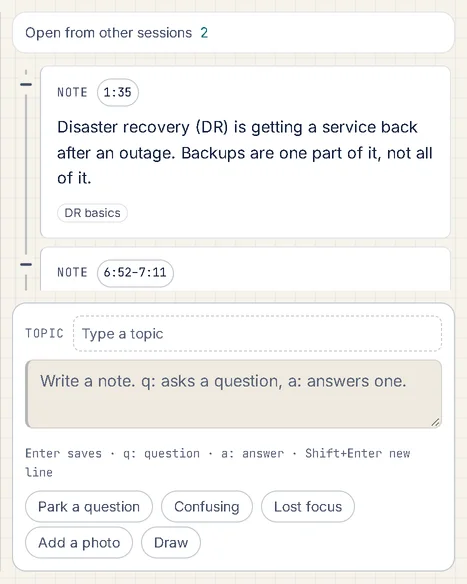
4. Go back to the moment.
Select any note’s time or page and the video jumps there, or the PDF opens at the page.
Good to know
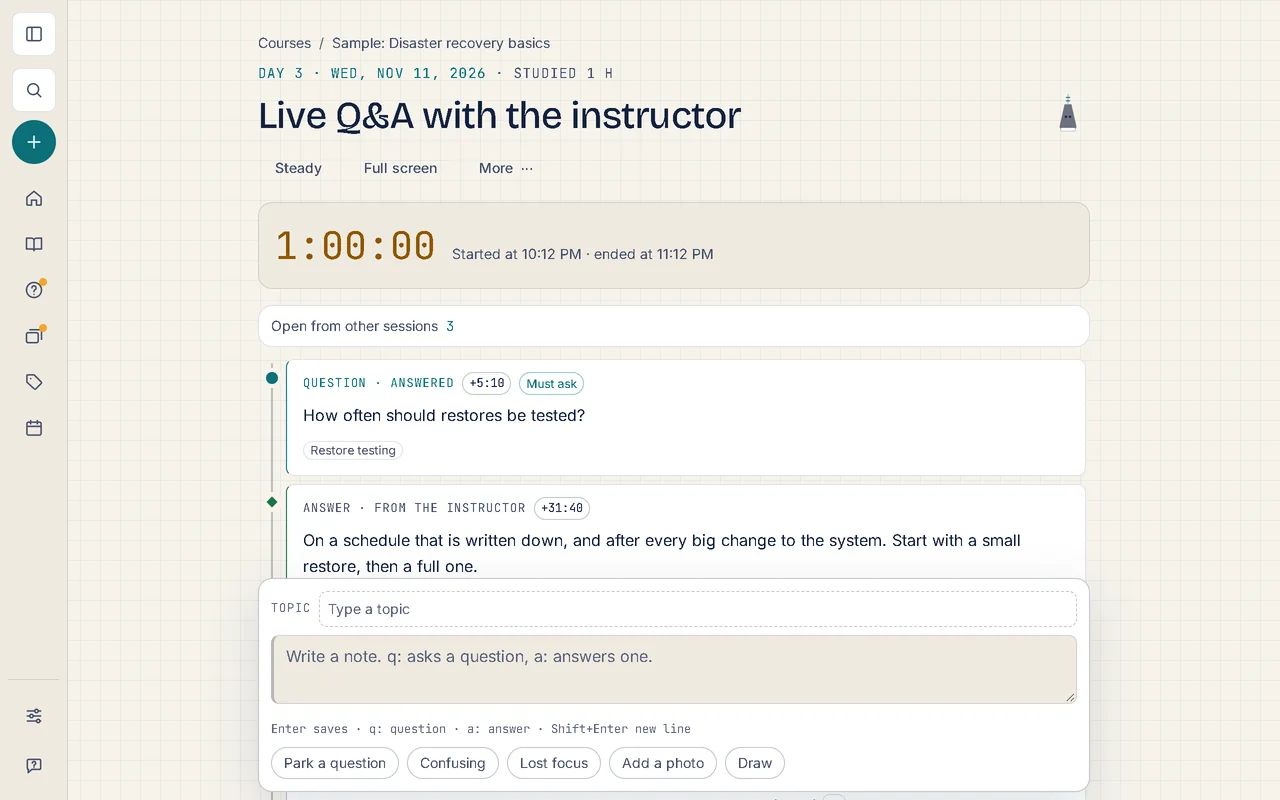
- Live classes have their own clock: notes are timed from the start of the class, on a laptop or a phone.
- Files you open stay on your device; Soundings never uploads them.
- Paste screenshots, write formulas, add code with highlighting, draw with a stylus.
- Keep the lines worth keeping from what you read, with where they came from, and see three again each day.
- Save a web page into your course and note it paragraph by paragraph; add a photo of paper notes or the board.
- Highlight a Word document or a saved page, read it in a calmer Reading view, and carry on where you stopped from What you’re reading.
- Run the JavaScript in a note and see what it prints, in a sealed box with no internet access (Pro).
More of what Soundings does
- Questions and answers: Park the question. Keep watching. Never lose it.
- Review that comes back: What you answered once, you’ll remember for good.
- Organise and find: Every note in its place, and found in seconds.
- Maps and diagrams: See the shape of what you wrote.
- Share and start: Start from a logbook that already has its shape.
- Stay on course: Study at your own pace, and see it add up.
- Your logbook everywhere: One logbook, every device. Locked before it leaves.
- AI on your own key: AI that helps you think, not think for you.
- Record and transcribe: Hear the moment you wrote it.
- Classes: Ask your trainer. Keep the answer.