AI that helps you think, not think for you.
Hints before answers. Answers drawn only from your own notes, with citations you can open. Suggested topics, questions and recall cards you approve one by one. It runs on your own AI key, so your provider bills you directly and Soundings never sees your key or your words.
How it works
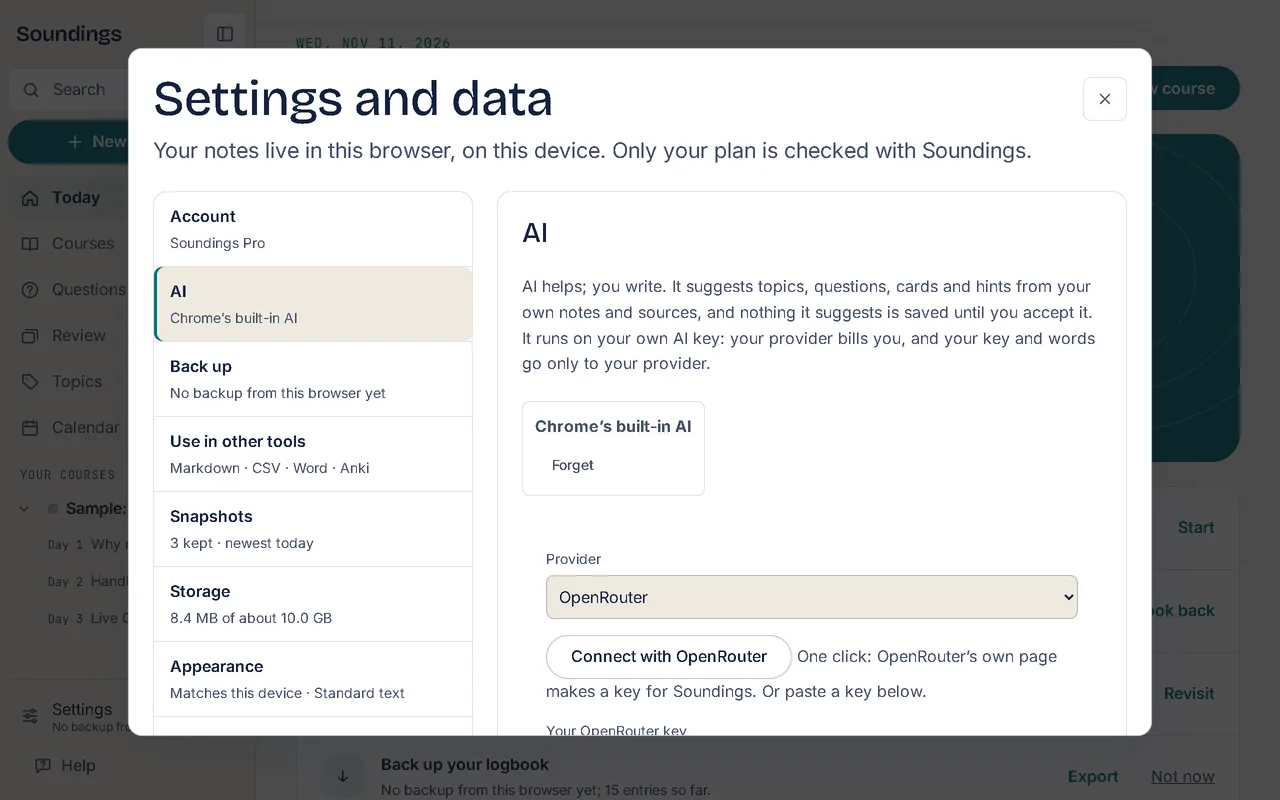
1. Connect your key.
OpenRouter in one click, or paste a key from OpenAI, Anthropic, Google, Groq, Mistral, DeepSeek or xAI; or use Chrome’s built-in AI at no cost. Set a monthly limit.
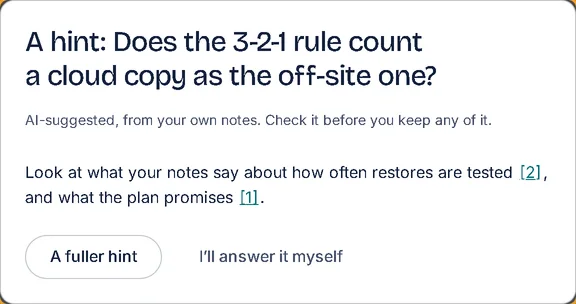
2. Ask for a hint.
A hint first, a fuller hint next, the answer only if you ask; write your own draft and it comments on it first.
3. Answers from your notes.
Suggested answers cite the notes they came from; select a citation to open it.
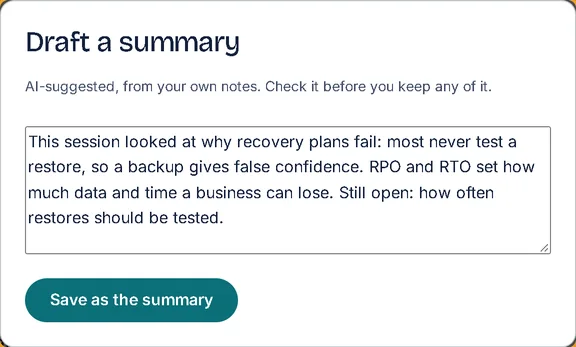
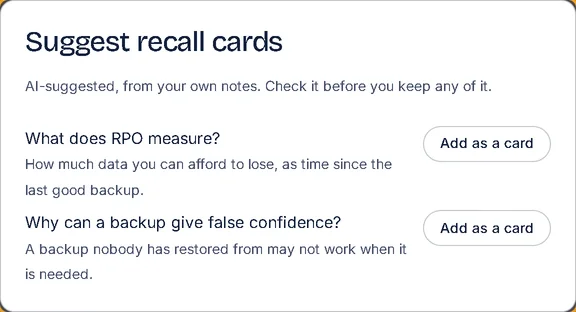
4. Suggestions you approve.
Topics, questions, recall cards and a session summary; nothing is saved until you add it, and what you keep is marked AI-suggested.
Good to know
- Each helper says what it will send, and to whom, before it sends anything.
- Ask your notes in a chat, and check your answers against your notes.
- An answer from the course’s own PDF: the pages are chosen on your device, and each claim cites its page.
- Summarize a lecture: transcribe a public YouTube video with Gemini on your key, or paste a transcript, then draft a summary from it.
More of what Soundings does
- Capture at the moment: Every note knows where it came from.
- Questions and answers: Park the question. Keep watching. Never lose it.
- Review that comes back: What you answered once, you’ll remember for good.
- Organise and find: Every note in its place, and found in seconds.
- Maps and diagrams: See the shape of what you wrote.
- Share and start: Start from a logbook that already has its shape.
- Stay on course: Study at your own pace, and see it add up.
- Your logbook everywhere: One logbook, every device. Locked before it leaves.
- Record and transcribe: Hear the moment you wrote it.
- Classes: Ask your trainer. Keep the answer.